Guide
How UmpireDuty works
Pick who you are — three steps on the web portal.
For players
Find an umpire for your match
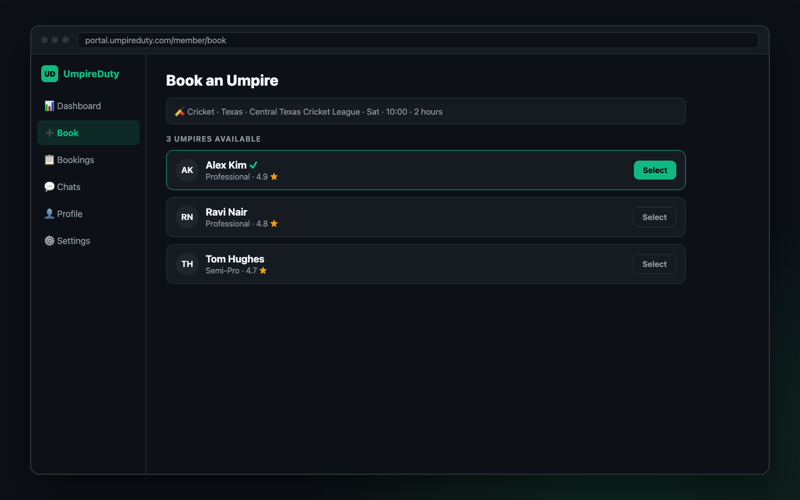
Pick sport, league and date — see who's available and their ratings.
On the web: Book
Request, then get confirmed
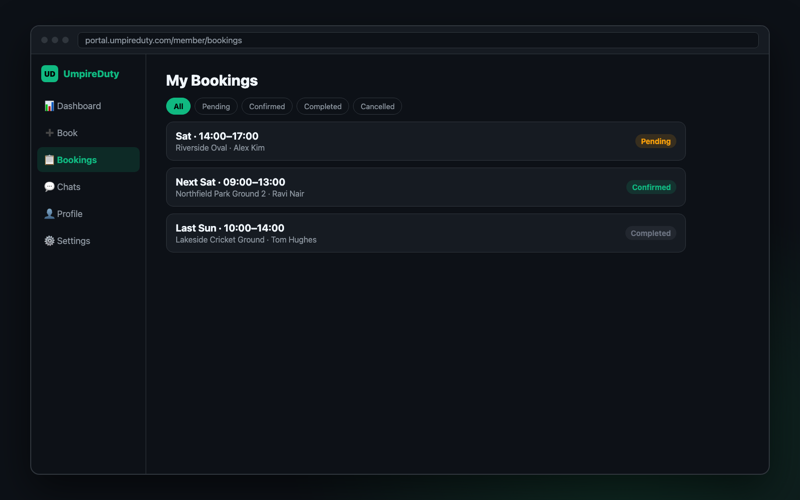
Every request shows its status — pending, confirmed, completed.
On the web: Bookings
Chat, play, then leave a review
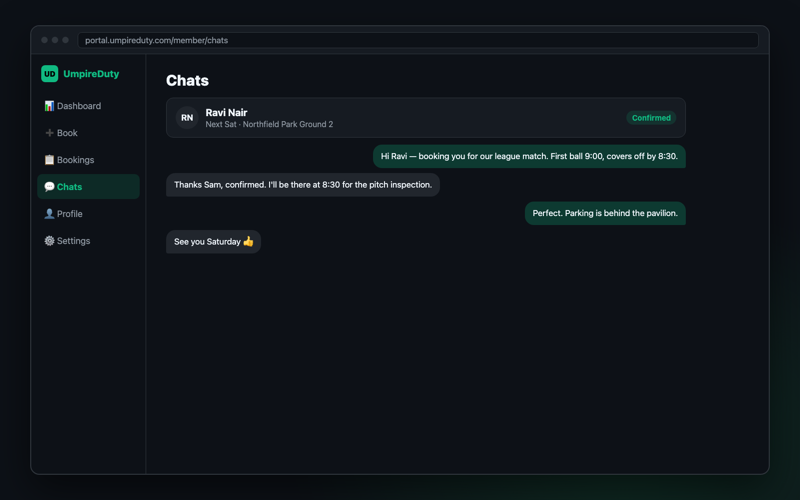
Each booking has its own thread. Rate your umpire after the match.
On the web: Chats
For clubs
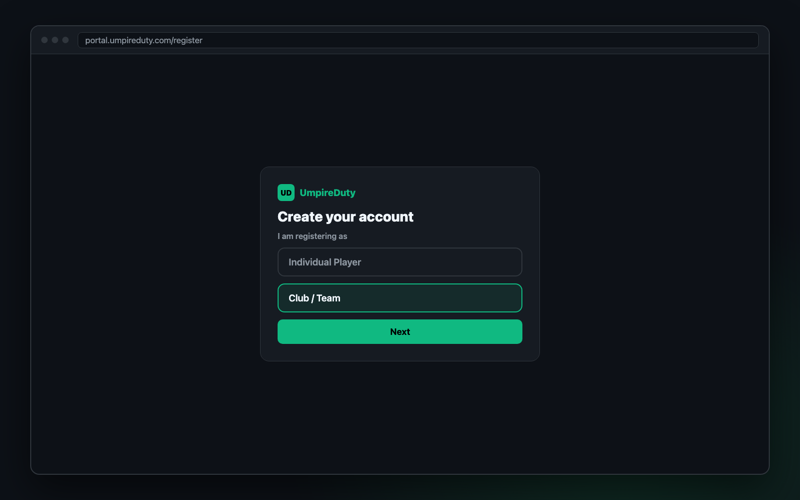
One account for your whole club
Your club name appears on every booking, so umpires know who they're working for.
On the web: Register → Club / Team
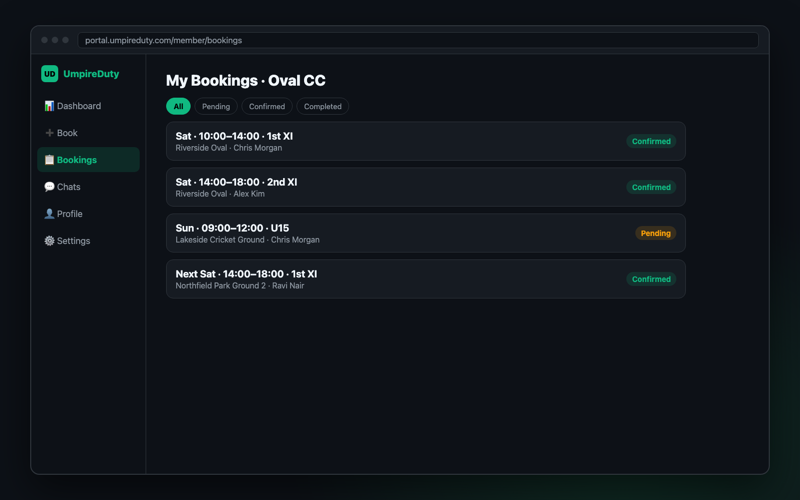
Staff every fixture in your season
Book umpires match by match and see the whole schedule in one list.
On the web: Book, Bookings
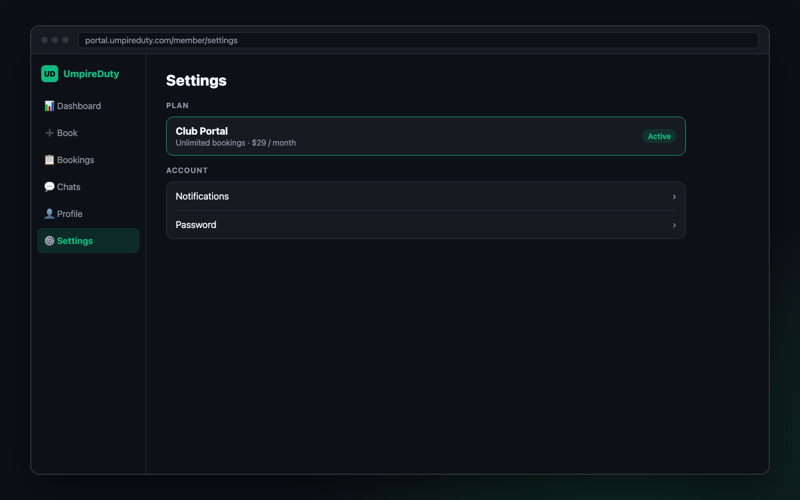
Keep every umpire in the loop
A thread for every booking, and your Club Portal plan in one place.
On the web: Chats, Settings
For umpires
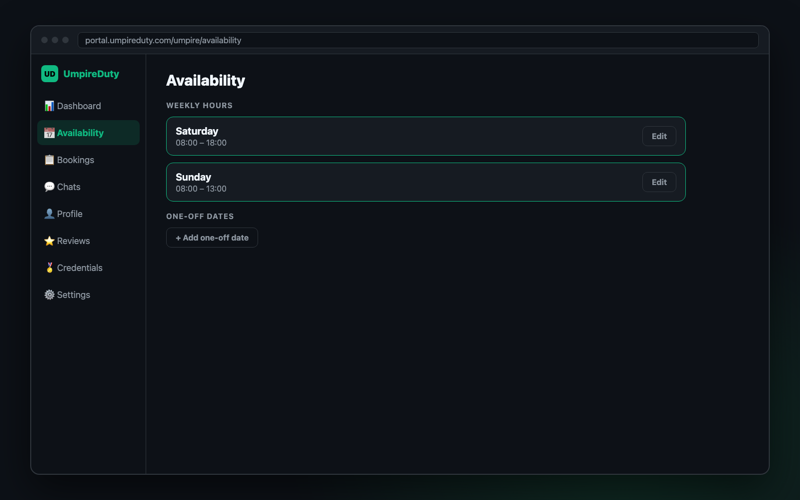
Tell clubs when you're free
Set weekly hours and one-off dates. You only get requests you can take.
On the web: Availability
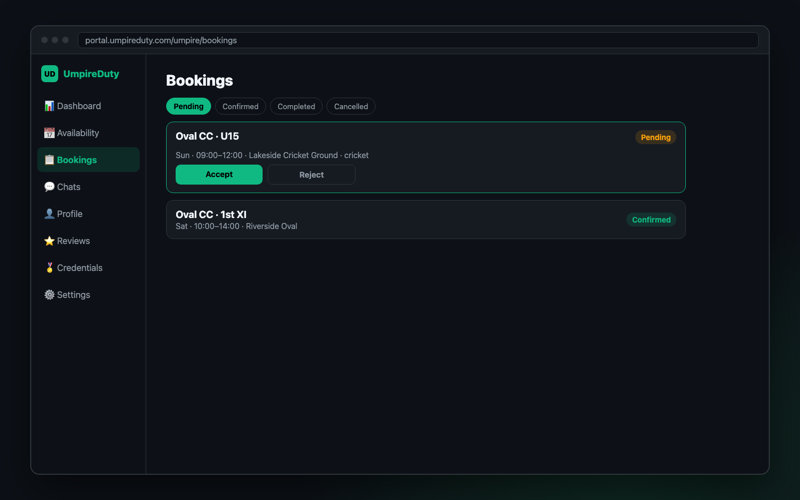
Accept requests and chat
Confirm or decline in a tap, then sort out the details in the booking's thread.
On the web: Bookings, Chats
Build your reputation
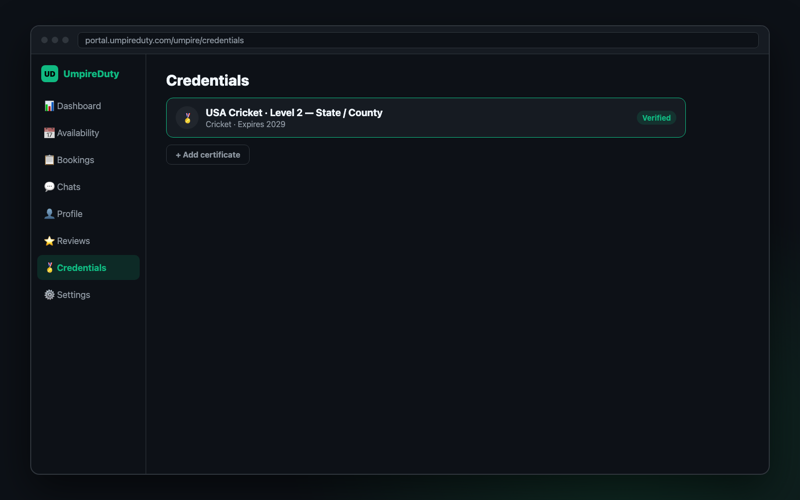
Upload certifications to get Verified, and collect reviews after every match.
On the web: Credentials, Reviews